

i dont want my navigation bar links to be underlined!?? - Forum
This discussion started in August 2018. EverWeb has changed a lot since then, so some answers may no longer apply.
Find up-to-date answers in the EverWeb help articles. Still stuck? Start a new thread or contact support.
i dont want my navigation bar links to be underlined!??
|
User: Chris T. 8 years ago
|
|
|
hi i dont want my navigation bar links to be underlined, but i cant find the option to turn it off. in fonts it doesnt matter if underline is selected or not, the navigation links are always underlined. i hope i am missing something, because otherwise that would very, very restricting design options if thats the only way to have a navigation bar and i would be very dissapointet in everweb. its 2018, i should be able to make my links look however i want them to look o.o -.- please help! |
|
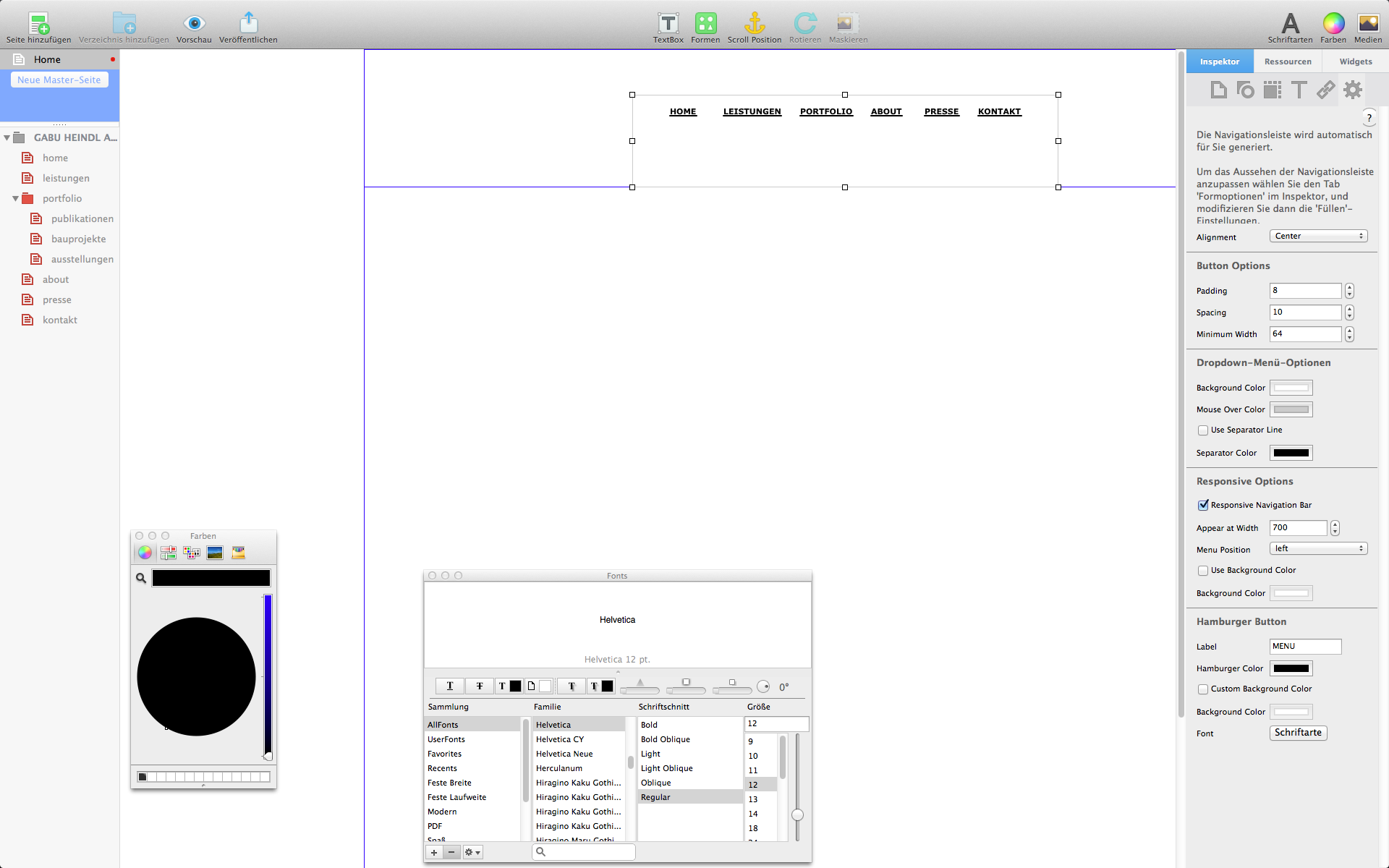 Bildschirmfoto 2018-08-21 um 16.13.00 (2).png |
|
|
User: Chris T. 8 years ago
|
|
|
it seems you cant change the underline inside the text window. you have to go into macs menuebar of everweb and there you can change it under "format".. just deselect underlined.. well...why not inside the text window.. but well.. thanks anyway best, c. |
|
|
User: EverWeb Support 8 years ago
|
|
|
Hi Gabu, Sorry for keeping you waiting. You can also disable/enable the underline (as well as change colors) for the Navigation Menu page names in Inspector -> Hyperlinks tab -> Hyperlink Formatting section. Best Regards, Kate ------------------------------- EverWeb Customer Support Submit Tickets or Learn More |
|

|
User: Steve F. 8 years ago
|
|
|
Hello Gabu, This is one of those things where it is obvious and staring you in the face, but you just can’t see it. When you go into the formatting section as Kate advises you, on the right of the colour options there is a panel with an underline ‘U’ in it. This is where you turn the option on or off. It is on by default. You can now kick yourself all round the room, just like I did! |
|
| Post Reply |
| You must login or signup to post. |